
What’s Really Inside These “AI” Laptops
The Rise of AI Focused Chips
The new wave of ultra thin laptops touts AI capabilities, thanks to advancements from chipmakers like Intel, AMD, and Apple. But what exactly makes a laptop “AI powered” in 2024?
Here’s a look at who’s leading the charge:
Intel: With its Core Ultra chips, Intel introduces a dedicated Neural Processing Unit (NPU) designed to handle on device machine learning tasks without taxing the CPU or GPU.
AMD: Ryzen AI processors focus on increasing performance for everyday tasks, using onboard AI to improve video calls, security, and more.
Apple: Apple’s M series chips come equipped with a Neural Engine that powers features across macOS, including voice commands and photo enhancements.
These embedded AI engines allow laptops to process tasks locally rather than relying on the cloud supporting both speed and privacy.
What On Device AI Really Does
AI in laptops isn’t just about futuristic buzzwords. Many modern devices now come with real, performance enhancing applications built directly into the hardware.
Common real world features include:
Voice recognition for commands, dictation, and transcription
Real time video enhancements, like background blur and eye contact correction during video calls
Content upscaling, which sharpens images or videos in media apps
Battery optimization through predictive usage patterns
On device security, including facial recognition and intelligent threat detection
These capabilities run without sending your data to the cloud, enhancing performance and maintaining user privacy.
Marketing vs. Reality: Decoding the Hype
With AI being the current tech buzzword, not all features advertised as “AI” truly rely on advanced machine learning. Some are simple automated functions repackaged with trend friendly terminology.
How to spot the difference:
Is there a dedicated AI chip or NPU? Genuine AI laptops include hardware specifically built for machine learning tasks.
Does the feature operate offline? Real on device AI works without continuous cloud access.
Are the use cases functional or flashy? Productivity focused AI tools (like smart transcription or noise removal) often indicate true innovation, while cosmetic enhancements may be more marketing oriented.
Understanding these nuances helps separate actual hardware progress from clever branding.
Bottom line: While many ultra thin laptops are starting to live up to their AI claims, it’s still important to read beyond the spec sheet.
The Promise: Speed, Efficiency, and Smarter Performance
AI chips aren’t just about flashy features they’re changing how ultra thin laptops manage power and heat. By running more tasks on a dedicated neural processing unit (NPU), these machines free up the CPU and GPU, keeping temperatures lower and batteries lasting longer. It’s not magic, it’s smarter scheduling. When the AI sees you’re just transcribing audio, it routes that load to the most efficient core. That means fewer fan spin ups and more time away from the charger.
In daily use, the upgrades are subtle but they add up. AI enhanced multitasking lets apps predict what you’ll need and pre load it in the background. Photo editing, voice commands, and even background blur during meetings happen with less drag. Live captions for videos or Zoom calls run directly on the device, fast and private.
Still, the question stands are AI laptops noticeably better than their non AI cousins? When you push them with real workloads, yes. You’ll notice fewer hiccups when juggling browser tabs, streaming, and editing photos at once. But if your “heavy use” means checking email and watching Netflix, the gains might feel minor. These machines shine when juggling complex, real time tasks that older processors struggle to handle efficiently.
Ultra Thin Design, Real Power?
Manufacturers have been pushing the limits of what a laptop chassis can handle and 2024 is where things start to pay off. The new generation of ultra thin laptops doesn’t just look sleek; it packs serious power. Thanks to system on chip designs, tighter board integration, and advanced thermal routing, machines under three pounds are suddenly crunching workloads that once needed a scaling fan and a half inch of aluminum.
But here’s the catch: physics still matters. Slimmer laptops have to make compromises, and they do. Smaller batteries mean shorter runtimes under load. Thin profiles limit airflow, so even the smartest internal cooling can hit breaking points during extended renders or multi threaded tasks. And forget about popping the back open to swap in more RAM many of these machines are fully sealed.
Still, the gap is closing. Benchmarks show that AI accelerated ultrabooks those packing chips like Apple’s M3 or Snapdragon X Elite are catching up to traditional pro models in tasks like video editing, audio processing, and large scale spreadsheets. In some cases, they’re even faster, thanks to chipsets that smartly delegate between CPU, GPU, and NPU.
No, they’re not ready to dethrone every workstation. But for creators, students, or remote pros who want portability without getting throttled by performance bottlenecks, these skinny powerhouses are finally worth a serious look.
The Operating System Factor
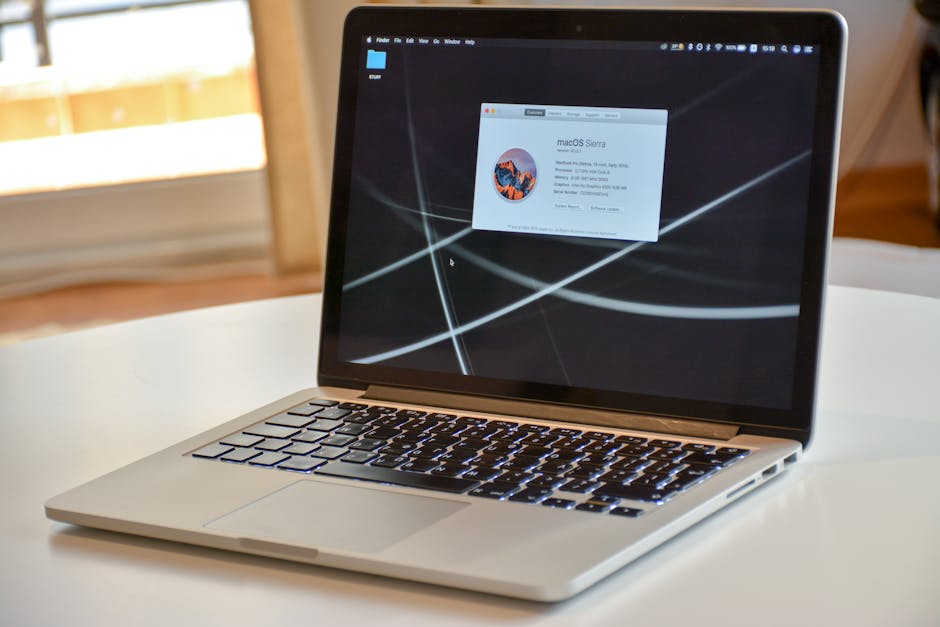
It doesn’t matter how advanced your AI chip is if the OS can’t keep up, all that power goes unused. Right now, the three major players Windows 11, macOS, and Linux are taking different routes toward integrating on device AI.
Windows 11 is betting big on Copilot. It’s baked into the interface, acting as a kind of AI sidekick for tasks like summarizing documents, adjusting system settings, or even generating code. In terms of integration, it’s there but still rough around the edges. Some workflows feel fluid; others stall waiting for cloud support or lack deeper customization. It’s promising, but not polished.
Apple leans on its Neural Engine within macOS, and while it’s been in devices for a while, the rollout is almost quiet by comparison. The AI shows up in features like background isolation in video calls, on device voice recognition, photo enhancements, and dictation. It’s seamless because Apple designs the whole stack but it’s limited to very specific use cases. You won’t find a central AI assistant running the show.
Linux? More of a builder’s environment. Tools like TensorFlow Lite, ONNX Runtime, and custom AI scripts can be run locally, and there’s growing support in distributions like Ubuntu and Pop!_OS for AI powered apps. But unless you’re comfortable digging under the hood, expect a fragmented, DIY experience. That said, for developers and tinkerers, it’s the most flexible.
Bottom line: OS level AI is here, but not finished. Each ecosystem is betting on different priorities assistants, automation, photography, customization. It’s not quite sci fi smooth yet, but the groundwork is solid.
Target Users: Who Actually Benefits
AI powered laptops aren’t just about raw specs they’re about workflow. And for some groups, that translates into serious gains.
For creators, the tech is already earning its keep. Real time video editing previews, smarter background removal in design software, voice to text scripting that actually understands pacing it’s all happening on device now. AI is speeding up the parts of the job that used to drag, letting creators ship faster without losing quality or style. Tools like Adobe Firefly and Runway aren’t just toys they’re pulling serious weight when paired with the right hardware.
In the business world, it’s all about cutting friction. Automatic meeting transcriptions, context aware email drafts, accurate noise cancellation in video calls AI infused laptops can quietly shave minutes off repetitive tasks. For data heavy roles, local AI models can process spreadsheets or customer feedback faster than cloud based services, and with more privacy. No magic. Just fewer clicks to do the same job.
As for students and casual users? It’s tempting to call it overkill, but that depends on how you define future ready. AI isn’t replacing notebook doodles or late night essays but it is helping organize notes, summarize articles, and even generate presentation slides in seconds. Maybe it’s not essential for everyone today. But three semesters from now, it might be the new baseline.
Whether you produce, present, or just want to prep smarter, these machines are built for getting ahead not just getting by.
Should You Invest Now Or Wait?
Right now, pricing on AI labeled laptops is a mixed bag. Some models are charging a premium with only marginal performance gains, while others especially from second tier makers offer fair value if you know what to look for. The real question is whether the AI features actually improve daily use. For many, they don’t yet. A bit more battery life, faster photo sorting, or live captions are nice, but not game changing for every user.
That could shift with the next wave of chips. Upcoming generations from Intel, AMD, and Apple promise dedicated NPUs neural processing units that handle AI tasks without hitting the CPU or GPU. These chips aren’t just faster; they’re smart in ways that may redefine how software runs. But we’re not fully there. The hardware’s ahead of the software right now, and much of the ecosystem is still catching up.
So, should you wait? If your workflow depends on AI enhanced tasks think real time video effects, background noise removal, or smart transcription it might be worth waiting for Gen 2 models in the next 6 to 12 months. Otherwise, today’s machines can hold their own. It’s also likely that AI integration will become standard even in mid range laptops by late 2025.
Bottom line: If you’re buying now, do it for the laptop its specs, battery, thermal design not just the AI tag on the box. For a deeper breakdown, check out this guide on AI integrated laptops.
The Decision
If you’re buying an ultra thin AI laptop today, cut through the branding noise. First, check the chip. Look for models with dedicated NPUs (Neural Processing Units). Intel’s Core Ultra, AMD’s Ryzen AI, or Apple’s M series with Neural Engine those are the frontrunners. These are the brains that actually run on device AI tasks without draining battery or needing cloud access.
Next up: AI features. Real AI should do more than slap a sticker on the box. Aim for systems that support live transcription, automated editing shortcuts, or intelligent power management. If AI only means background blur in Zoom calls, keep moving.
Cooling is where thin laptops often cut corners. A good AI chip still gets hot. Fanless designs look sleek but can throttle performance fast. If possible, go hands on or read thermal benchmark tests. Don’t assume quiet means cool.
For future proofing, think beyond six months. Make sure the chip supports the latest AI frameworks (like ONNX or CoreML), and that the system has enough RAM and SSD space to handle heavy workflows down the line. Bonus if memory and storage are upgradable not common, but worth hunting for.
So where’s the line between breakthrough and buzzword? It comes down to use case. For creators, coders, or knowledge workers who use AI enabled software daily, this tech is already pulling its weight. For everyone else, right now it’s still mostly promise with a side of polish. The innovation is real but so is the hype. Make sure your wallet knows the difference.