
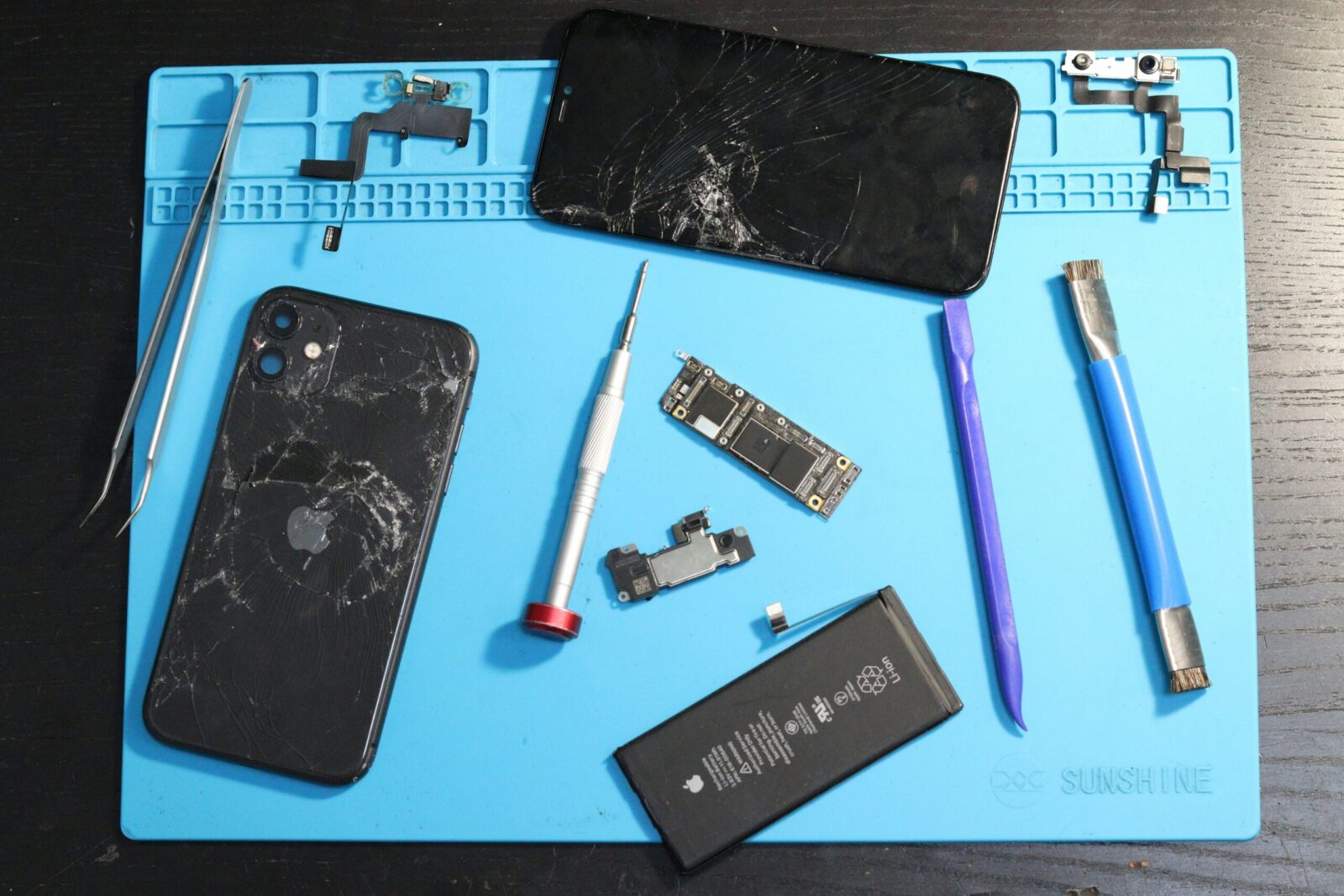
Devices Not Responding or Offline
First thing don’t panic. When your smart speaker, camera, or thermostat stops responding, start simple. Check the power source. Is it plugged in, battery charged, or switch flipped on? Next up, confirm your internet is solid. Run a quick speed test if you have to. Open the controlling app and make sure it’s updated and logged in properly.
If that checks out, look at the router. Sometimes a quick restart clears up hidden issues, especially if multiple devices are acting up. Also, distance matters some gadgets drop off when they’re too far from the router or have too many walls between.
If the device still isn’t cooperating, it might be time to reset it. A full power cycle or factory reset, then re pairing through the app, usually does the trick. Just be ready to walk through setup again.
And don’t skip firmware updates. These aren’t just about new features they often fix bugs that mess with connectivity. Update the device via its app if one’s available.
This checklist may not be glamorous, but it covers 90% of the usual suspects before you waste time on deeper troubleshooting.
Syncing and Connectivity Problems
When your smart device won’t reconnect, don’t panic start small. If Bluetooth pairing fails, the go to fix is killing and restarting the app. It sounds too simple, but many pairing hiccups come down to software getting stuck in a handshake loop. Force close, relaunch, try again.
Wi Fi acting up? It might not be your device it might be your network’s bandwidth. Many smart gadgets default to 2.4GHz Wi Fi, which is slower but travels farther. If you’re swamped with network noise (think neighbors, phones, streaming), trying the 5GHz band could clear your lane. Just remember: 5GHz is faster but has shorter range. Choose based on where your gear actually lives in the house.
If you’re relying on a smart hub (like SmartThings or HomeKit) versus direct Wi Fi connections, that also changes the rules. Hubs can streamline control and enhance stability but they introduce another point of failure. Direct Wi Fi skips the middleman but leans harder on solid network coverage. Know what you’re using and tailor your troubleshooting accordingly.
Voice Assistant Misfires
If your smart speaker keeps misfiring or flat out ignoring commands, don’t panic start with the mic. Most assistants come with adjustable sensitivity settings. If yours is too low, it might not be catching your cue words; too high and it could be triggering off ambient noise. Tweak the levels in the app settings until it stops feeling like a guessing game.
Next, double check your language preferences. If your voice command patterns have shifted faster speech, new slang, accents retraining the voice model can make a difference. Most systems offer a way to redo voice profiles or add new ones. It takes a few minutes but saves plenty of frustration later.
Lastly, scan the room: fans, TVs, kids, and even open windows can clutter the audio space. Keep your assistant in a low noise environment and avoid stacking it next to other chatter sources. Clean inputs lead to clean responses.
Automation Routines Not Working
When smart automations stop firing, don’t assume your entire setup is toast. Start by checking time zone settings even a small offset can throw off scheduled routines. Device clocks need to be in sync to trigger actions precisely.
Next, take stock of all the gadgets involved in the routine. Are they online? Are they running the latest firmware? One offline bulb or outdated plug can stall the whole chain. Check your smart home dashboard to confirm status and push any updates.
Finally, run the routine manually. Use your phone or hub to trigger it step by step and observe where it fails. This isolates the issue and tells you whether the problem is with a specific device, a broken condition, or a logic error in the routine setup. It’s not glamorous, but it works.
Overheating, Freezing, or Lag
Smart gadgets aren’t built for marathon workloads. If your battery operated devices are running hot or freezing up, start by checking how often they’re being used. Motion sensors, cameras, and connected toys that are always “on” can drain power fast and overheat as a result. If it feels excessive, it probably is scale back usage or switch to devices with better energy management.
Next, look at your cloud syncing settings. Constant updates to the cloud take their toll on performance. Automatic photo backups, live video feeds, and telemetry uploads can eat away at both bandwidth and processing power. If you’re seeing delays or overheating, consider slimming that data stream to only what’s necessary.
Finally, overcrowded Wi Fi networks could be silently sabotaging everything. Too many smart devices fighting for bandwidth causes lag and connection drops. It’s worth auditing what’s connected and trimming the fat old devices you don’t use, apps syncing in the background, even smart bulbs you forgot you set up. Modern homes don’t need to be digital traffic jams. Less noise means more stable performance.
Power & Charging Glitches
If your smart plug or speaker isn’t charging, don’t jump straight to replacing the device. Start small. Check the cable it’s often the weakest link. Look for frays, bends, or breakage near the ends. Ports can be trouble, too. Dust build up or wear inside USB or power ports can disrupt the connection.
Next, switch out the adapter. Power bricks wear out or simply don’t deliver enough voltage for modern smart tech. Testing with a known good adapter can save time.
And don’t cheap out on replacements. Use quality cables and accessories approved by the manufacturer. Off brand gear might work short term but can fry a device or slowly drain battery life performance over time. Invest once, avoid headaches later.
Preventative Maintenance Tips
Smart gadgets don’t need pampering, but they do need upkeep. First, keep all apps and firmware updated. Those little security patches? They close real holes that hackers love. Don’t hit “remind me later” do it now.
Next, set a monthly ritual: check your devices for flaky Wi Fi connections, slow responses, or dust build up. A simple cleaning cloth and a few router resets can solve more than you think. If cleaning feels extreme, remember dust + electronics = long term pain.
Finally, power matters. Sudden surges can fry your favorite speaker or smart bulb. Use smart power strips with surge protection. They cost a little more but save you from bigger replacements later.
Want to keep your gear running years, not months? Start with the basics. Stay clean, stay updated, and shield your stuff. Check out these essential tech hygiene tips.